
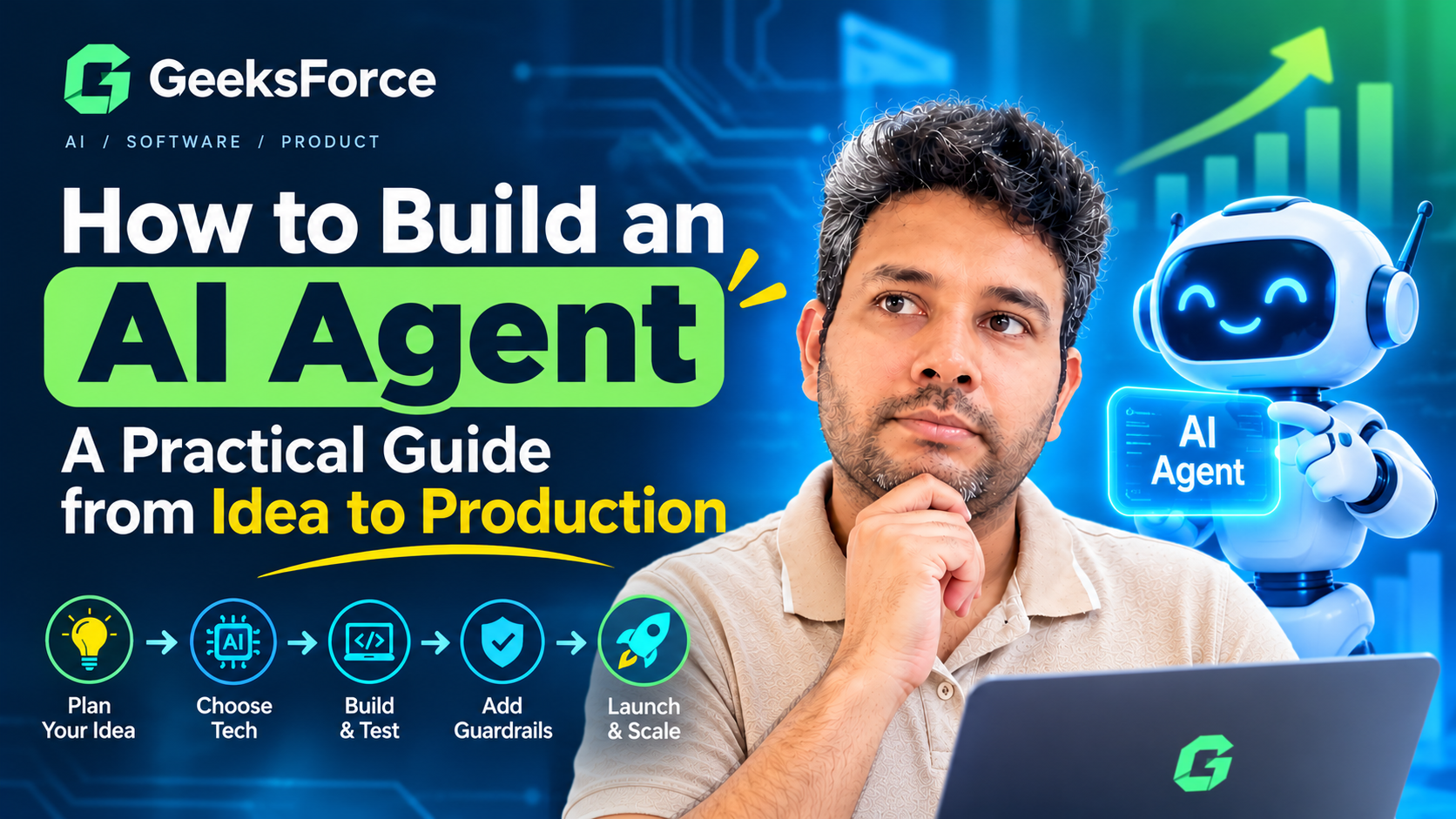
How to Build an AI Agent: A Practical Guide from Idea to Production
AI is no longer limited to answering questions.
The latest generation of AI applications can retrieve information, use software tools, follow multi-step workflows, and help complete real business tasks. These systems are commonly known as AI agents.
An AI agent can do more than generate a response.
For example, a customer support agent might:
- Read an incoming customer request.
- Identify the customer’s account.
- Search the company’s knowledge base.
- Check information in a CRM.
- Draft a response.
- Escalate the issue to a human when necessary.
This creates exciting opportunities for businesses—but building a useful AI agent involves more than connecting a language model to a chat interface.
A reliable AI agent needs clear objectives, access to the right tools, well-defined permissions, validation, and monitoring.
In this guide, we’ll explore how to build an AI agent step by step, from identifying the right use case to designing an architecture that can support a production application.
What Is an AI Agent?
An AI agent is a software system that uses artificial intelligence to work toward a defined objective.
Unlike a traditional chatbot that primarily responds to individual prompts, an AI agent can participate in a broader workflow.
Depending on its design, an agent may be able to:
- Understand a user’s request.
- Retrieve relevant information.
- Decide which tools to use.
- Interact with APIs and software systems.
- Complete multiple steps in a workflow.
- Validate results.
- Request human approval when required.
A simple way to understand the difference is:
A chatbot answers. An AI agent can help get work done.
Of course, not every AI application needs to be an agent. Sometimes a simple prompt-and-response workflow is more reliable and easier to maintain.
The goal should always be to choose the simplest architecture that solves the problem.
Step 1: Start With a Real Business Problem
The first step in building an AI agent is not choosing a model.
It is identifying a problem worth solving.
Consider these two ideas:
Too broad:
“We want to build an AI agent for our company.”
More useful:
“Our support team spends several hours each day finding information across different systems before responding to customers.”
The second statement gives you something concrete to solve.
Before building an agent, ask:
- What task should the agent help with?
- Who will use it?
- How is the task completed today?
- Which parts are repetitive?
- What information does the workflow require?
- What actions should the agent be allowed to perform?
- How will we measure success?
A clearly defined problem is more valuable than a sophisticated AI architecture with no practical purpose.
Step 2: Define the Agent’s Goal and Boundaries
An AI agent should have a specific objective.
For example:
Help customer support representatives find accurate answers using approved internal documentation.
This is much better than giving an agent a vague instruction such as:
“Help customers with everything.”
Once the goal is defined, establish boundaries.
What can the agent access?
For example:
- Knowledge base articles.
- Product documentation.
- Customer records.
- Support tickets.
What can the agent do?
For example:
- Search documents.
- Summarize information.
- Create a draft response.
- Create a support ticket.
What should the agent never do?
For example:
- Delete customer data.
- Process financial transactions without approval.
- Access information outside the user’s permissions.
- Make high-risk decisions independently.
Clear boundaries make AI agents safer and easier to evaluate.
Step 3: Choose the Right AI Model
The language model is an important component of an AI agent, but it is only one part of the overall system.
When selecting a model, consider:
- Reasoning capability.
- Tool-calling support.
- Response speed.
- Cost.
- Context window.
- Structured output capabilities.
- Data and security requirements.
Different tasks may require different models.
For example, a simple classification task may not need the same model used for complex reasoning.
A practical architecture may use:
- A fast, cost-efficient model for routine tasks.
- A more capable model for complex requests.
- Traditional software logic for predictable business rules.
Do not use AI where deterministic software is more reliable.
If a rule can be expressed clearly in code, a traditional function may be a better choice than asking an AI model to make the decision.
Step 4: Give Your Agent the Right Tools
An AI agent becomes useful when it can interact with information and systems.
These capabilities are often implemented as tools.
A tool might allow the agent to:
- Search a database.
- Retrieve a customer record.
- Query an internal knowledge base.
- Check an order status.
- Create a ticket.
- Send a message.
- Call an external API.
For example, a customer support agent could have access to these tools:
| Tool | Purpose |
|---|---|
| Search Knowledge Base | Find relevant company documentation |
| Get Customer | Retrieve approved customer information |
| Check Order | Get the latest order status |
| Create Ticket | Escalate an issue to the support team |
The important principle is that the agent should not have unrestricted access to every system.
Give it only the tools required for its specific job.
Step 5: Connect the Agent to Reliable Information
AI models have general knowledge, but they do not automatically know your company’s latest information.
For business applications, the agent often needs access to private or frequently changing data.
This is where Retrieval-Augmented Generation (RAG) can be useful.
A typical workflow looks like this:
User question → Search relevant information → Retrieve approved content → Provide context to AI → Generate response
For example, if an employee asks:
“What is our process for onboarding a new enterprise customer?”
The system can search approved internal documents before generating an answer.
This helps create responses based on the organization’s actual information instead of relying entirely on the model’s general knowledge.
For production systems, it is also useful to maintain source references so users can verify where important information came from.
Step 6: Design the Agent Workflow
A production AI agent should not simply be given a prompt and unlimited freedom.
Instead, design a workflow around the task.
Consider a simple support agent:
1. Receive the request
The system receives a customer question.
2. Understand the request
The AI identifies the user’s intent and determines what information may be needed.
3. Retrieve information
The agent searches approved sources.
4. Use tools when necessary
It may query an order system or CRM through controlled APIs.
5. Generate a response
The system prepares an answer based on the available information.
6. Validate the result
Business rules check whether the response meets required conditions.
7. Escalate when necessary
Complex or high-risk cases are sent to a human.
This structured approach is usually more reliable than giving an agent unrestricted autonomy.
Step 7: Add Guardrails Before Giving the Agent More Autonomy
AI agents can make mistakes.
They may misunderstand a request, select the wrong tool, or produce an unexpected response.
Guardrails help reduce these risks.
Important controls may include:
Permission controls
The agent should only access the systems and data required for its task.
Input validation
Validate information before it reaches important workflows.
Output validation
Check that AI-generated data matches the expected format.
Action limits
Restrict what the agent can do independently.
For example, an agent may prepare a payment request but require human approval before the payment is processed.
Human-in-the-loop workflows
For high-impact actions, a person should review or approve the result.
Audit logs
Record important actions so the workflow can be investigated and improved.
The level of control should match the risk.
An agent that summarizes internal documents requires different safeguards from an agent that can update customer accounts or interact with financial systems.
Step 8: Build a Production-Ready AI Agent Architecture
A typical AI agent architecture may look like this:
User or Application
↓
Backend API
↓
AI Agent Orchestration Layer
↓
LLM + Tools + Knowledge Retrieval
↓
Validation and Guardrails
↓
Action or Human Approval
↓
Monitoring and Audit Logs
Each component has a different responsibility.
Frontend
The user interface where people interact with the agent.
This could be a web application, mobile application, internal dashboard, or chat interface.
Backend
The backend handles authentication, business logic, permissions, and communication with other services.
Technologies such as Python, FastAPI, Node.js, and cloud services are commonly used.
AI orchestration layer
This controls the agent’s workflow.
It determines which tools are available, manages context, and coordinates multi-step tasks.
Knowledge and data layer
This provides access to approved documents, databases, APIs, and business systems.
Guardrail layer
This validates inputs and outputs and prevents unauthorized or unsafe actions.
Monitoring layer
This tracks agent activity, errors, costs, latency, and overall performance.
A successful AI agent is not just an AI model. It is a complete software system.
Step 9: Test Your AI Agent With Real Scenarios
Traditional software testing focuses on expected inputs and outputs.
AI applications require additional evaluation because the model’s responses may vary.
Create realistic test cases based on actual user workflows.
For example:
- Straightforward requests.
- Ambiguous questions.
- Missing information.
- Incorrect user input.
- Requests outside the agent’s scope.
- Attempts to access restricted information.
- Complex edge cases.
Evaluate more than whether the answer sounds good.
Consider:
- Was the task completed correctly?
- Did the agent use the right information?
- Did it select the correct tool?
- Did it respect permissions?
- Did it escalate when appropriate?
- How often did humans need to correct the result?
Continuous evaluation is important because agent behavior can change when models, prompts, tools, or data sources are updated.
Step 10: Monitor Performance After Launch
Launching an AI agent is not the end of development.
Production monitoring helps identify problems and opportunities for improvement.
Track metrics such as:
- Task completion rate.
- Tool failure rate.
- Human escalation rate.
- Response time.
- Cost per workflow.
- User satisfaction.
- Correction rate.
For example, if an agent successfully completes 95% of simple tasks but fails frequently when retrieving data from one system, the problem may be the integration rather than the AI model.
Monitoring the complete workflow makes these issues easier to identify.
Common AI Agent Use Cases
AI agents can support many types of business workflows.
Customer Support
An agent can classify requests, retrieve information, draft responses, and escalate complex cases.
Internal Knowledge Management
Employees can ask questions in natural language and retrieve information from approved company documents.
Sales Operations
Agents can qualify leads, update CRM records, summarize calls, and prepare follow-up tasks.
Document Processing
An agent can extract information from documents, organize the results, and send exceptions for review.
Operations Automation
AI agents can monitor workflows, collect information from multiple systems, and help coordinate repetitive tasks.
The best use case is usually one with a clear workflow, reliable data sources, and measurable business value.
Should You Build a Single Agent or a Multi-Agent System?
Not every project needs multiple AI agents.
A single-agent system is often easier to build, test, and maintain.
A multi-agent system may be useful when different agents have clearly separate responsibilities.
For example:
- A research agent retrieves information.
- An analysis agent evaluates the information.
- A workflow agent performs approved actions.
However, adding multiple agents creates additional complexity.
More agents mean:
- More communication between components.
- More potential failure points.
- More difficult debugging.
- Higher infrastructure and AI costs.
Start with the simplest architecture that works.
You can introduce specialized agents later if there is a clear reason to do so.
A Practical Roadmap for Building Your First AI Agent
Phase 1: Discovery
Identify the user, problem, workflow, and success metrics.
Phase 2: Agent Design
Define the agent’s objective, tools, data sources, permissions, and escalation rules.
Phase 3: Prototype
Build a focused version of the core workflow.
Phase 4: Evaluation
Test the agent with realistic scenarios and edge cases.
Phase 5: Security and Guardrails
Implement authentication, authorization, validation, logging, and approval workflows.
Phase 6: Production Deployment
Deploy the application with monitoring and performance tracking.
Phase 7: Continuous Improvement
Use real-world feedback and performance data to improve the workflow.
Build Custom AI Agents With GeeksForce
AI agents can create real business value when they are connected to the right data, tools, and workflows.
At GeeksForce, we help startups and businesses design and build practical AI-powered software solutions.
Our AI development capabilities include:
- Custom AI agent development.
- AI workflow automation.
- Retrieval-Augmented Generation (RAG) systems.
- Internal knowledge assistants.
- API and third-party integrations.
- AI guardrails and human approval workflows.
- Web and mobile AI applications.
- Cloud-based AI infrastructure.
We focus on building AI systems that solve real operational problems—not simply adding a chatbot to an existing product.
Whether you are exploring your first AI agent or planning a larger AI automation platform, a focused use case and strong technical architecture provide the best foundation.
Have an AI agent idea? Visit GeeksForce to discuss your AI software development requirements.
Frequently Asked Questions
What is an AI agent?
An AI agent is a software system that uses artificial intelligence to work toward a specific goal. It can retrieve information, use connected tools, follow workflows, and take approved actions.
What is the difference between a chatbot and an AI agent?
A chatbot primarily generates responses to user questions. An AI agent can also use tools and interact with other systems to help complete tasks.
Do I need to train my own AI model to build an AI agent?
Usually, no. Many AI agents can be built using existing AI models and APIs combined with custom application logic, tools, and business workflows.
What programming languages are used to build AI agents?
Python and JavaScript or TypeScript are common choices. The best technology stack depends on the application’s requirements, integrations, infrastructure, and existing software.
How long does it take to build an AI agent?
A simple proof of concept may be developed relatively quickly, while a production-ready AI agent can require additional work for integrations, security, testing, monitoring, and scalability.
Are AI agents safe to use in business applications?
They can be used safely when designed with appropriate permissions, guardrails, validation, monitoring, and human oversight. The required level of control depends on the risk of the workflow.
Final Thoughts
Building an AI agent is not about giving an AI model unlimited access to your business.
It is about designing a system that can complete useful tasks within clearly defined boundaries.
Start with one problem.
Define the workflow.
Connect the right tools and information.
Add security and guardrails.
Test with real scenarios.
Then improve the system based on measurable results.
The businesses that get the most value from AI agents will not necessarily be the ones using the most complex technology. They will be the ones that connect AI to real workflows in a reliable, secure, and practical way.